Is a Scanner the Same Thing as a Copier?
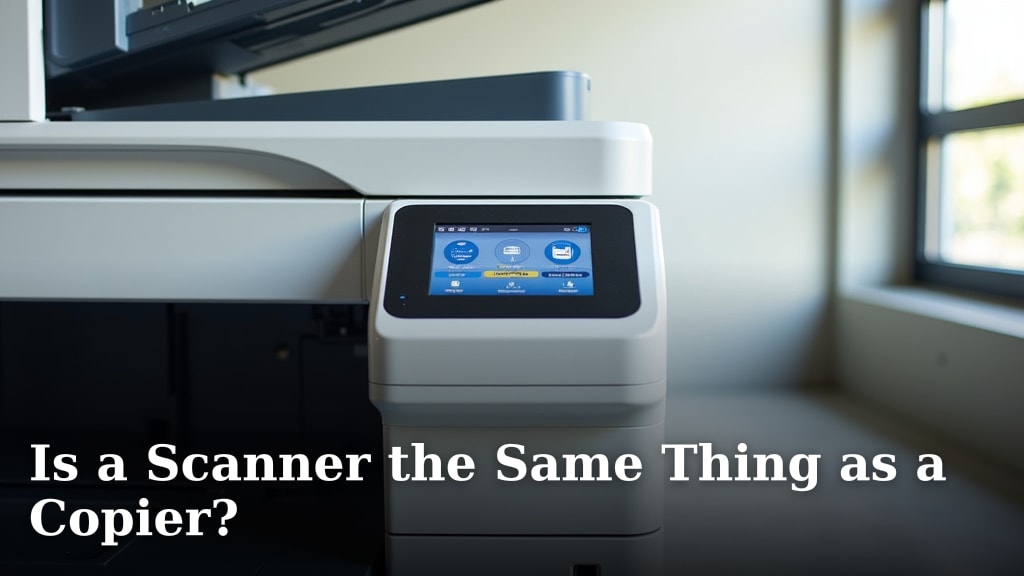
Scanner vs. Copier: How They Differ
A scanner and a copier are not the same thing, though modern devices often combine both functions. A scanner’s primary job is to convert a physical document into a digital file. A copier’s main purpose is to create a duplicate physical copy of a document. Understanding this core difference helps you choose the right tool.
What Exactly Does a Scanner Do?
A scanner is an input device. It captures an image from paper and translates it into digital data. Think of it as a camera for documents. You place a photo or page on the glass, and it creates a computer file.
Types of Scanners You Might Encounter
There are a few common types, each suited for different tasks. You’ll find these in homes and offices everywhere.
- Flatbed Scanners: These are the most common. You lift a lid, place the document face-down on the glass, and scan. They are great for books, fragile papers, and photos.
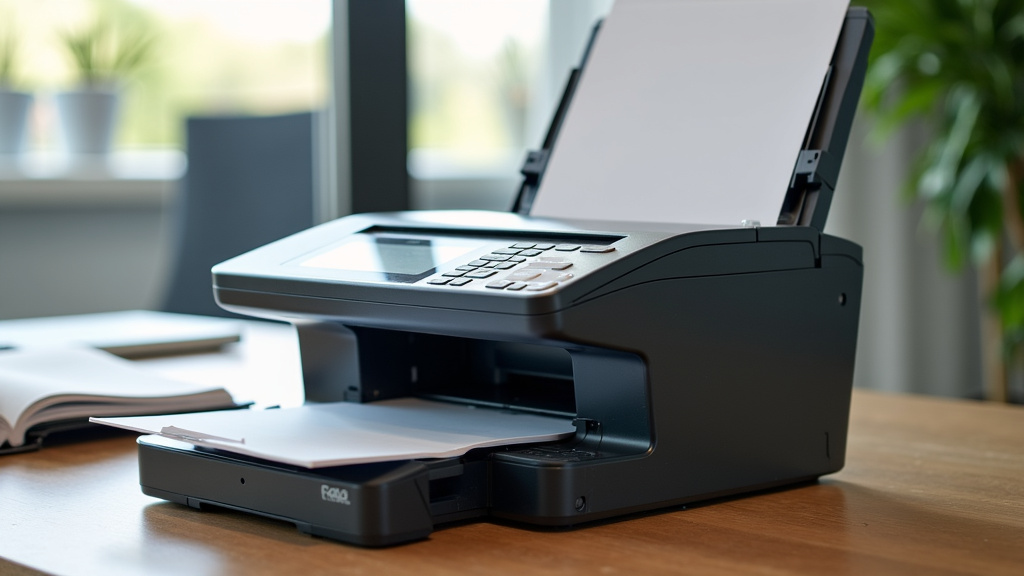
- Sheet-Fed Scanners: These look like a small printer. You feed loose sheets of paper through them. They are fast for stacks of standard documents but can’t handle bound items like books.
- Mobile/Handheld Scanners: These are small, portable devices you swipe across a page. They are perfect for quick scans on the go.
Key Scanning Terminology
When shopping, you’ll see terms like resolution, measured in DPI (dots per inch). Higher DPI means a sharper, more detailed digital file. For standard documents, 300 DPI is often enough. For high-quality photo archiving, you might want 600 DPI or more.
What Is the Primary Role of a Copier?
A copier is fundamentally an output device. Its core function is replication. You feed a document into the machine, and it produces a physical copy on paper. For decades, standalone copiers were the workhorses of office mailrooms.
The Basic Copying Process
The process is straightforward. The copier scans the original document internally. It then sends that image to a printing mechanism. Toner is applied to paper in the shape of the text and images, creating the duplicate.
Evolution of the Office Copier
Today’s “copier” is rarely just a copier. Most are multifunction printers (MFPs). They combine copying, printing, scanning, and sometimes faxing into one device. This integration is why the line between a scanner and a copier feels blurry.
Key Differences Between a Scanner and a Copier
Let’s break it down. The main differences lie in their primary function, output, and workflow.
| Feature | Scanner | Copier (or MFP in Copy Mode) |
|---|---|---|
| Main Job | Digitize physical documents | Create physical duplicates |
| Primary Output | Digital file (PDF, JPG, etc.) | Paper copy |
| Core Component | Image sensor (CCD or CIS) | Imaging unit and fuser assembly |
| Typical Use | Emailing, archiving, editing | Reproducing forms, reports |
| Standalone Device? | Yes, many exist | Less common; often part of an MFP |
How Copiers and Scanners Work Together
In a modern office, these functions are deeply intertwined. When you use the “copy” function on your MFP, the machine is actually using its scanner first. It scans the original, processes the image, and then sends it to the printer unit to make the copy. The scanner is the “eyes” of the copier.
The Multifunction Device (MFP) Explained
An MFP is the physical embodiment of this partnership. It’s one box that does it all. According to research from industry analysts, MFPs dominate the business market because they save space and streamline office workflows.
A Typical Office Scenario
Imagine you need to sign a document and email it back. You walk to the MFP, scan the signed page to a PDF, and email it directly from the device. Later, you need five copies of a meeting agenda. You use the same machine’s copy function. One device, two very different tasks.
Which One Do You Need: Scanner or Copier?
The answer depends entirely on your main goal. Ask yourself a simple question: Do I need a digital file or a paper copy?
When a Dedicated Scanner Makes Sense
You might prefer a standalone scanner if:
- You are archiving family photos or old documents and need high-quality digital files.
- You run a small business focused on digitizing records for a paperless office.
- You need to scan books or bound materials regularly.
When a Copier/MFP is the Right Choice
A multifunction copier is better if:
- Your primary need is making quick, frequent paper copies.
- You also need to print documents regularly.
- You want one machine to handle scanning, copying, and printing to save desk space.
The Buying Guide: What to Look For
If you’re shopping, focus on your most frequent task. Don’t pay for features you won’t use. Let’s simplify the decision.
Features for the Scanner-First Buyer
Look for high optical resolution (600 DPI+), good software for editing and organizing, and ADF (Automatic Document Feeder) if you scan stacks often.
Features for the Copier/MFP Buyer
Prioritize print/copy speed (pages per minute), paper tray capacity, and cost per page. Toner cartridge yield and price are major factors in long-term cost.
Cost Considerations: Toner vs. Software
The ongoing costs differ significantly. For a copier, the main recurring expense is toner and drum units. These can be pricey. For a scanner, the main cost is often the initial purchase. Software might have a one-time fee, but many good options are free.
The Hidden Cost of Convenience
Multifunction devices offer convenience, but repairs can be complex. If one part breaks (like the scanner bed), you might lose all functions. A standalone scanner and a separate printer can be more flexible to repair.
Common Mistakes to Avoid
Here are a few pitfalls we see shoppers make. Don’t get caught by them.
- Assuming all MFPs scan equally well. Some MFP scanners are basic. For photo-quality scans, a dedicated flatbed is often superior.
- Ignoring the cost-per-page. That cheap MFP could drain your budget with expensive, low-yield toner cartridges.
- Buying too much machine. A heavy-duty office copier is overkill and noisy for a home office.
Final Checklist Before You Decide
Go through this quick list. It will point you in the right direction.
- ✅ Primary Need: Is it creating digital files or paper copies?
- ✅ Volume: How many scans or copies do you make per day/week?
- ✅ Document Type: Are you scanning fragile photos, books, or just loose sheets?
- ✅ Space: Do you have room for one machine or two separate devices?
- ✅ Budget: Consider both upfront cost and ongoing supply expenses.
- ✅ Future Needs: Will your needs change in the next year or two?
Conclusion
So, is a scanner the same as a copier? No, they are fundamentally different tools. A scanner’s core job is to create a digital file. A copier’s main purpose is to produce a paper copy. Today, these functions are often combined in one multifunction printer (MFP), which is why the lines can feel blurry. The right choice for you depends on your primary need. Do you need to digitize documents, or replicate them on paper? Your answer will guide you to the best tool. Take a moment to assess your daily tasks, and use our final checklist to make a confident decision.
Frequently Asked Questions
Can a printer scan like a dedicated scanner?
Yes, but often with a quality difference. Multifunction printers (MFPs) include a scanner, which is fine for documents and receipts. However, a dedicated flatbed scanner typically offers higher optical resolution and better color accuracy, which is better for photos and detailed graphics.
Is it cheaper to buy an all-in-one copier/printer or separate devices?
It depends on your volume and needs. An all-in-one MFP is usually cheaper upfront and saves space. However, research shows that for very high-volume printing, the cost-per-page from a dedicated printer can sometimes be lower. Always compare the long-term cost of toner cartridges.
Why is my MFP so slow at scanning compared to my old scanner?
Many MFPs use cheaper, simpler scanning components to keep costs down. Dedicated scanners often have better sensors and processors optimized for speed. Also, scanning directly to a network folder or email from an MFP can add time compared to scanning to a directly connected computer.
Do all modern copiers have a scanning function now?
Virtually all new office copiers sold today are actually MFPs that include scanning. It has become a standard feature because the core hardware for copying (an internal scanner) is already there. Buying a copier without a scanner function is nearly impossible in the current market.
What does DPI mean, and do I need high DPI for everything?
DPI (dots per inch) measures scan detail. You only need high DPI (600+) for specific tasks like archiving high-quality photos or enlarging a small image later. For standard text documents, 300 DPI is sufficient, and scanning at higher DPI just creates bigger files.