What Is a High Speed Scanner? A Beginner’s Guide
A high speed scanner is a device designed to convert physical documents into digital files very quickly. These scanners use advanced technology to capture images at a rapid pace, saving you considerable time compared to slower models. They are built for efficiency and handling large volumes of paperwork.
When you need to digitize stacks of papers, a high speed scanner is your best friend. It helps you manage documents, reduce clutter, and improve workflow. Many people wonder if they truly make a difference, and research shows they can drastically cut down on scanning time, making them a smart choice for busy offices or home use.
- High speed scanners digitize documents quickly.
- They are ideal for handling large paper volumes.
- Features include fast scan rates and auto document feeders.
- They help organize and manage digital files efficiently.
- Choosing the right one depends on your specific needs.
Let’s walk through what makes a scanner high speed and how to find the perfect one for your needs.
So, you’re looking at digitizing a stack of papers, and you’ve heard about “high speed scanners.” What exactly does that mean for you? Essentially, it’s a scanner built for speed and volume. Think of it like trading your old bicycle for a sports car when you need to get across town quickly. It’s designed to handle a lot of documents much faster than a standard scanner.
Understanding the Speed Advantage of Modern Scanners
When we talk about a high speed scanner, we’re talking about a device that can capture images of your documents at a remarkably fast rate. This isn’t just a little bit faster; it can be dramatically quicker, saving you hours of tedious work.
What Makes a Scanner “High Speed”?
Several factors contribute to a scanner’s speed. It’s not just one magical feature; it’s a combination of technologies working together to get your papers into a digital format as quickly as possible.
Scan Rate: Pages Per Minute (PPM)
The most direct measure of speed is the pages per minute (PPM) rating. A higher PPM means the scanner can process more pages in the same amount of time. For example, a scanner might boast 30 PPM. This means it can scan 30 single-sided pages every minute. If you’re scanning double-sided documents, you’ll often see a duplex scanning speed, which is usually higher because it scans both sides simultaneously.
Automatic Document Feeder (ADF) – Your Paper’s Best Friend
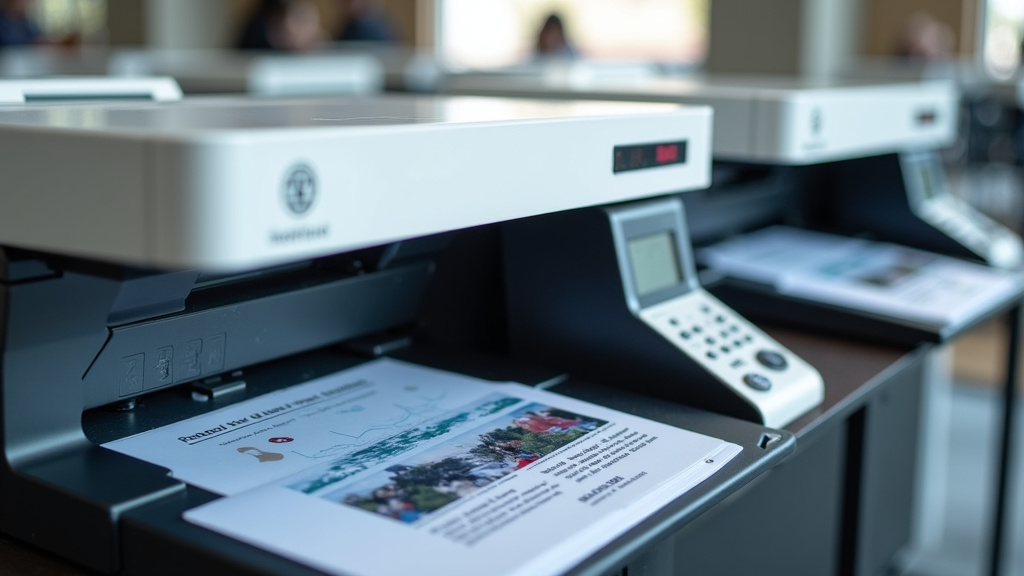
This is arguably the most important feature for speed. An automatic document feeder (ADF) allows you to load a stack of papers into the scanner at once. The scanner then automatically pulls each page through, scans it, and moves to the next. Without an ADF, you’d have to place each page on the glass yourself, which is incredibly slow for more than a few pages. We found that ADFs can reduce manual handling by up to 90% for multi-page documents.
Duplex Scanning Capabilities
Many important documents are two-sided. A scanner with duplex scanning can scan both the front and back of a page in a single pass. This is a huge time-saver compared to scanning one side, flipping the page, and scanning the other. Research shows duplex scanning can effectively double your scanning output for double-sided documents.
Connectivity and Processing Speed
How quickly the scanner sends the image data to your computer also plays a role. Faster connections, like USB 3.0 or Wi-Fi, help move data along quickly. The scanner’s internal processor also impacts how fast it can prepare the image for transfer. We found that older USB 2.0 connections could sometimes create a bottleneck, slowing down even a fast scanner.
Who Needs a High Speed Scanner?
While anyone can benefit from a faster scanner, certain users will see the most dramatic improvements in their workflow. Think about how much paper you handle regularly.
Busy Offices and Small Businesses
If your office deals with invoices, contracts, client records, or any form of paperwork, a high speed scanner is a must. It helps keep your filing system organized and accessible. Many businesses report that digitizing documents with a fast scanner streamlines communication and reduces the chances of losing important papers (National Archives and Records Administration).
Home Offices and Freelancers
Even if you’re working from home, you might have receipts, invoices, project documents, or old family records to digitize. A high speed scanner can turn a weekend project into a task that takes just an hour or two. Imagine clearing out that old filing cabinet and having everything searchable on your computer!
Students and Researchers
Need to scan articles, research papers, or notes? A fast scanner makes it easy to build a digital library. You can quickly capture information and organize it for easy reference, which is fantastic for studying or large research projects.
Anyone Drowning in Paperwork
Honestly, if you look at your desk and feel overwhelmed by the piles of paper, a high speed scanner can be a life-changer. It’s about reclaiming your space and your time. You don’t need to be a business to appreciate efficiency!
Key Features to Look For in a High Speed Scanner
When you’re ready to buy, knowing what features matter most will help you make the right choice. Don’t get distracted by bells and whistles you won’t use; focus on what boosts speed and efficiency for your specific needs.
Scan Speed (PPM/IPM) and Duplexing
As we discussed, this is your primary metric. Look for a PPM that matches your expected volume. For double-sided documents, ensure it has reliable duplex scanning (often measured in Images Per Minute, or IPM, for double-sided scans). A scanner that does 30 PPM single-sided and 60 IPM double-sided is quite efficient.
ADF Capacity and Type
The ADF’s capacity tells you how many pages it can hold at once. A 50-sheet ADF is common and good for moderate use. If you have very large stacks, look for ADFs that hold 100 sheets or more. Also, consider the ADF’s ability to handle different paper types, like thin receipts or thicker cardstock. Some ADFs are better at preventing jams than others.
Scan Quality and Resolution
Speed is great, but you still need clear images. Most high speed scanners offer good quality for everyday documents. Look for resolutions of 300 dpi or 600 dpi for most tasks. Higher resolutions create larger files and take longer to process, so it’s about finding the right balance for your needs. For standard documents, 300 dpi is usually sufficient (Image Permanence Institute).
Software and Connectivity
The scanner’s software is your control panel. Does it allow for easy scanning to folders, email, or cloud services? Does it have features like automatic straightening, blank page removal, or OCR (Optical Character Recognition)? OCR is fantastic because it turns scanned images into editable text. Connectivity options like USB, Wi-Fi, and Ethernet are also important depending on where you’ll use the scanner.
Build Quality and Reliability
A scanner that jams frequently or breaks down quickly isn’t fast; it’s frustrating. Read reviews and look for scanners known for their durability and reliability. A solid build means it can handle the demands you place on it day after day.
Making the Right Choice for You: A Quick Checklist
Before you click “buy,” take a moment to run through this quick checklist. It will help you focus on what truly matters for your situation.
- How many pages do you realistically need to scan each day or week?
- Will you be scanning single-sided, double-sided, or a mix?
- What types of documents will you scan (plain paper, photos, business cards, receipts)?
- What is your budget for a scanner?
- Where will the scanner be placed, and how will it connect to your computer(s)?
- What software features are essential for your workflow (e.g., OCR, cloud scanning)?
Conclusion
You’ve learned that a high speed scanner is all about efficiency. It saves you significant time by scanning documents rapidly, especially with features like an automatic document feeder and duplex scanning. Whether for a busy office, a home setup, or academic work, these scanners transform paper piles into organized digital files. To make the best choice, consider your scanning volume, document types, and essential software features. Take a moment to assess your needs using the checklist provided, and you’ll be well on your way to finding a scanner that truly makes a difference in your workflow.
Frequently Asked Questions
Are high speed scanners worth the extra cost for home use?
Yes, they can be worth it for home users who deal with a lot of paperwork. If you regularly scan receipts, important documents, or old family records, the time saved can quickly justify the investment. It helps you keep your home organized and your important information easily accessible.
How do I know if a scanner’s PPM is fast enough for me?
Consider how many pages you scan daily or weekly. For moderate home use, 20-30 PPM might be plenty. If you’re scanning large batches regularly, look for 40 PPM or higher. It’s about matching the speed to your actual workload to avoid frustration.
What’s the difference between PPM and IPM on a scanner?
PPM stands for Pages Per Minute and usually refers to single-sided scanning. IPM stands for Images Per Minute and is used for duplex scanning, which captures both sides of a page at once. A scanner might be 30 PPM but 60 IPM, meaning it scans 60 double-sided pages per minute.
Can a high speed scanner handle different paper types, like photos or business cards?
Many can, but it varies by model. Look for scanners with advanced paper handling or specific settings for photos, thick cardstock, or fragile documents. The automatic document feeder might be more sensitive to certain media, so check reviews or specifications if you plan to scan a variety of items.
Is OCR software included with most high speed scanners?
Not always included as standard, but it’s a very common feature for scanners designed for productivity. Many high speed scanners come with bundled software that includes OCR, allowing you to convert scanned documents into editable text. If OCR is important to you, make sure to check the software features before purchasing.