Flatbed vs Sheetfed Scanner: Plain and Simple
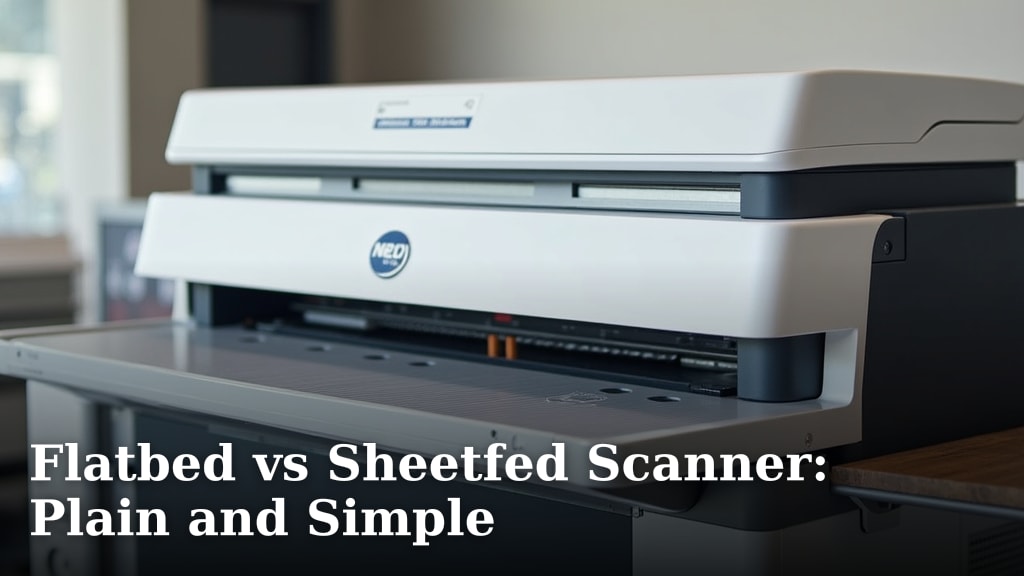
When choosing between a flatbed scanner and a sheetfed scanner, the key difference is how you feed documents. Flatbeds are best for single pages, delicate items, or odd shapes, while sheetfeds excel at scanning stacks of standard paper quickly. You’ll want to pick based on the types of documents you scan most often.
Think of a flatbed like a photocopier glass – you lay items down one by one. A sheetfed scanner is more like a printer that pulls paper through automatically. We’ve found that understanding this core difference helps buyers make the right choice for their needs, whether for home or office use, saving both time and frustration when organizing or digitizing papers.
- Flatbed scanners are for single items and delicate pages.
- Sheetfed scanners are ideal for scanning stacks of paper quickly.
- Flatbeds can handle books, photos, and irregular items.
- Sheetfeds are best for standard document sizes like letters and legal.
- Consider what you scan most to pick the right type.
Below, we’ll break down each type so you can clearly see which scanner will work best for your specific scanning needs.
Understanding Your Scanner Options: Flatbed vs. Sheetfed
Choosing the right scanner depends on what you’re scanning. Think about the items you handle most. Are they stacks of standard paper, or a mix of photos, old documents, and maybe even a fragile recipe card? We found that grasping this core difference makes picking a scanner much simpler.
Let’s break down what each type does best. You’ll see how one might be a better fit for your desk than the other.
The Flatbed Scanner: Your Versatile Digitizing Surface
A flatbed scanner works a lot like a photocopier. It has a flat glass surface where you place your document face down. Then, a scanner bar moves underneath the glass to capture the image.
This design makes them incredibly versatile. You can place almost anything on the glass. We found this is why many people choose a flatbed for varied scanning tasks.
What Can You Scan with a Flatbed?
Flatbeds are your go-to for delicate items. Think about old photographs that might be brittle or crinkled. You can also scan important historical documents that you don’t want to risk bending or tearing.
Beyond photos and old papers, flatbeds handle a lot more. You can scan things like:
- Books and magazines: Lay the page flat without damaging the spine.
- Artwork: Capture drawings, paintings, or even fabric swatches.
- Business cards: Great for digitizing contacts.
- Odd-shaped items: Like fabric samples or small objects.
Many guidelines suggest flatbeds for preserving precious memories and important historical records (National Archives).
How to Use a Flatbed Scanner
Using a flatbed is pretty straightforward. You simply lift the lid and place your item on the glass. Make sure it’s positioned correctly.
Close the lid, and then use the scanning software on your computer. The software lets you preview the scan. You can crop, adjust colors, and choose the file format. Once you’re happy, you save the file to your computer.
It’s a manual process, as you have to place each item individually. This makes it slower for large batches, but ensures you treat each document with care.
Pros and Cons of Flatbed Scanners
Flatbeds offer great flexibility. You get high-quality scans for almost anything you put on them. They are also good for preserving older or fragile materials.
However, they aren’t the fastest. Scanning one page at a time can be time-consuming. If you have hundreds of documents, you’ll be there a while.
- Pros: Versatile, handles delicate items, good for books and photos, high-quality scans.
- Cons: Slow for large volumes, requires manual placement of each item, can take up more desk space.
The Sheetfed Scanner: Speed for Standard Documents
A sheetfed scanner is built for speed and efficiency. Instead of laying items on glass, you feed standard-sized paper through a slot, much like a printer.
These scanners are designed to pull pages in automatically. They are perfect for quickly digitizing stacks of uniform documents. We found that office environments often prefer these for their speed.
What Can You Scan with a Sheetfed Scanner?
Sheetfed scanners excel at scanning standard paper sizes. This typically includes:
- Letter-sized documents
- Legal-sized documents
- A4 paper
They are ideal for scanning things like invoices, receipts, reports, and articles. Many models also feature duplex scanning. This means they can scan both sides of a page in a single pass. This is a huge time-saver.
You’ll want to avoid feeding items that aren’t standard paper into these. Delicate photos or very thick cardstock could cause jams or damage the scanner.
How to Use a Sheetfed Scanner
Using a sheetfed scanner is quite simple. You load a stack of documents into the feeder tray. Ensure they are aligned correctly.
Then, you start the scan from your computer. The scanner automatically pulls each page through, scans it, and ejects it. This automated process is what makes them so fast.
Many sheetfed scanners come with software. This software helps organize your scanned files. You can often scan directly to email or cloud storage with a single button press.
Pros and Cons of Sheetfed Scanners
The biggest advantage is speed. For large stacks of paper, they are unbeatable. Duplex scanning further boosts efficiency.
However, they are less versatile. They are not designed for items like books, photos, or fragile documents. Feeding non-standard items can lead to jams or damage.
- Pros: Very fast for stacks of paper, automatic feeding, duplex scanning capabilities, compact designs.
- Cons: Limited to standard paper sizes, not suitable for books or delicate items, potential for jams if used incorrectly.
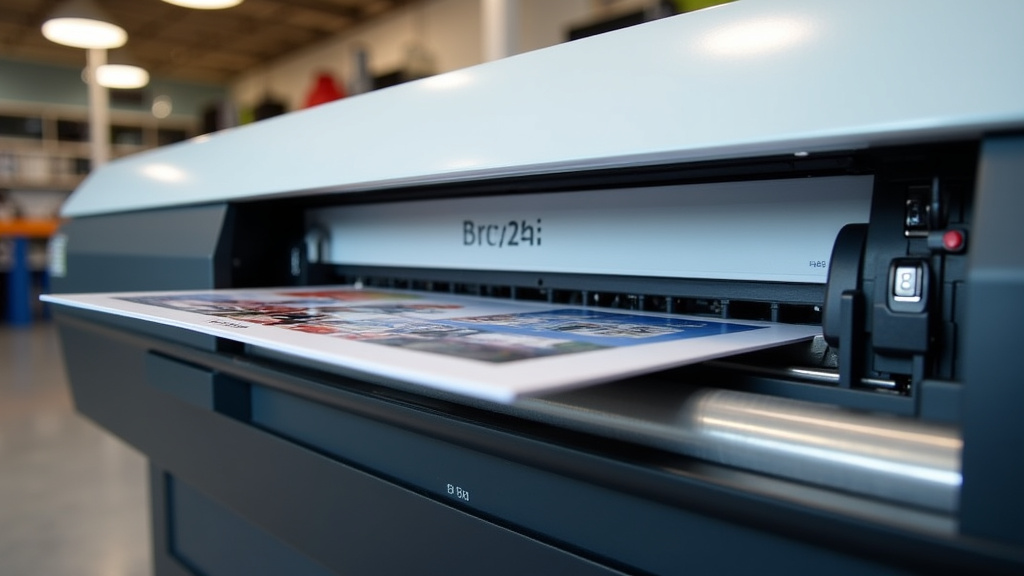
Comparing the Two: Which One is Right for You?
Let’s put them side-by-side to help you decide. Your scanning needs are unique. We found that considering your daily tasks makes the choice clear.
| Feature | Flatbed Scanner | Sheetfed Scanner |
|---|---|---|
| Best For | Single pages, photos, books, delicate items, odd shapes. | Stacks of standard documents (letter, legal, A4). |
| Speed | Slower; scan one item at a time. | Very fast; scans multiple pages automatically. |
| Versatility | High; handles many types of media. | Low; primarily for standard paper. |
| Ease of Use | Simple, but requires manual placement. | Simple, fully automated feeding. |
| Space | Can be larger and bulkier. | Often more compact. |
| Document Handling | Place item on glass, close lid. | Feed stack into tray, scanner pulls through. |
Your Scanning Checklist
To make your choice even easier, ask yourself these questions:
- How many pages do you scan weekly?
- What types of documents are most common for you?
- Do you need to scan photos or fragile items?
- Is speed a top priority for large document batches?
- Do you need to scan both sides of documents automatically?
- Do you scan books or other items that don’t lay flat?
If you answered “yes” to scanning many pages quickly and most are standard paper, a sheetfed scanner will likely serve you best. If your needs are more varied, with special items, or you scan in smaller batches, a flatbed scanner might be the better choice.
Conclusion
Choosing between a flatbed and a sheetfed scanner comes down to your most frequent scanning tasks. We’ve seen that flatbeds offer the most flexibility for delicate photos, books, or odd-shaped items, one by one. Sheetfed scanners, on the other hand, shine when you need to quickly digitize stacks of standard paper. Think about your typical workflow. If speed for documents is key, a sheetfed model is likely your best bet. For preserving memories or handling varied media, a flatbed provides that essential care. Consider these points carefully to make the right choice for your needs.
Frequently Asked Questions
Can a sheetfed scanner handle photos?
Generally, sheetfed scanners are not recommended for photos. They are designed for standard paper and feeding delicate or thicker items like photos can lead to jams or damage. A flatbed scanner is a much safer choice for preserving your pictures.
Is a flatbed scanner good for scanning multiple pages quickly?
No, flatbed scanners are not designed for speed when scanning multiple pages. You have to place each page on the glass manually, which makes it a slower process for large batches. Sheetfed scanners are built for this purpose.
What is duplex scanning?
Duplex scanning means the scanner can capture both sides of a page in a single pass. This is a feature often found on sheetfed scanners, significantly speeding up the process of digitizing double-sided documents.
Can I scan a book with a sheetfed scanner?
You should avoid scanning books with a sheetfed scanner. The scanner is not designed for the thickness or the spine of a book, and it could easily jam or damage both the book and the scanner.
Which scanner type takes up less desk space?
Sheetfed scanners are often more compact and designed to take up less desk space. Because they don’t have a large glass surface like flatbeds, their footprint tends to be smaller.