Flatbed Scanner vs ADF Scanner: The Simple Answer
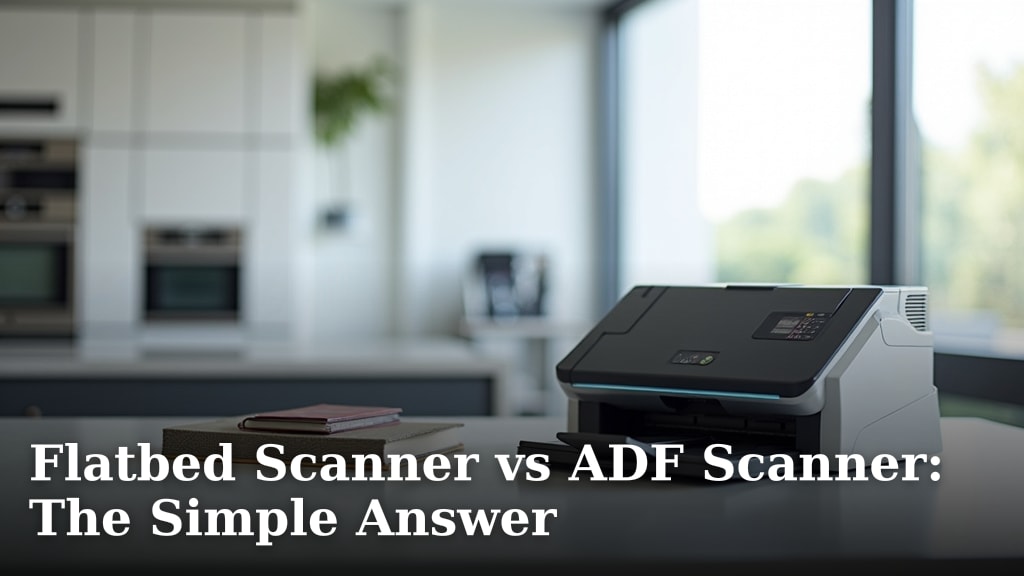
When deciding between a flatbed scanner and an ADF scanner, the simple answer is: it depends on what you’re scanning. A flatbed scanner is best for single pages, delicate items, or irregular shapes. An ADF scanner is ideal for scanning multiple pages quickly.
Many people get confused by these scanner types. We found that understanding their core strengths helps you pick the right one. Think about your typical scanning needs before you buy. A flatbed offers versatility, while an ADF offers speed for documents.
- Flatbed scanners are great for single sheets and unique items.
- ADF scanners excel at handling stacks of paper.
- Choose based on your most common scanning tasks.
- Consider paper size and type for your documents.
Let’s break down the differences and help you find the perfect scanner for your home or office.
Understanding Your Scanner Options: Flatbed vs. Document Feeder
When you’re staring down a pile of papers or a photo album, you might wonder which scanner is your best bet. The choice really boils down to what you’re trying to scan. Think of it like picking the right tool for a job. A flatbed scanner is like a steady workbench. An ADF scanner is like a speedy conveyor belt.
We’ve found that many people choose a scanner based on a single need, but often, their needs change. It’s good to understand the core differences so you can make an informed decision. Let’s look at what makes each type shine.
What is a Flatbed Scanner and Who Needs One?
A flatbed scanner has a glass surface, much like a copier. You place your document or item face down on this glass. Then, a scanning head moves underneath to capture the image. It’s a very direct and gentle way to scan.
This type of scanner is fantastic for things that aren’t standard paper. Do you have old photos you want to preserve? Maybe a fragile letter from a grandparent? Or perhaps a thick book you don’t want to flatten too much? A flatbed scanner is your go-to for these delicate or irregularly shaped items.
Why a Flatbed Works Best for Single Items
Because you place each item individually, a flatbed scanner gives you complete control. You can carefully position a single photo to get the best framing. You can also scan pages from a book without damaging the spine. It’s all about precision and care.
If your scanning needs are occasional and involve a variety of paper types and sizes, a flatbed scanner offers great flexibility. You’re not limited by an automatic feeder. You can scan anything that fits on the glass plate.
Limitations of Flatbed Scanners
The main drawback? Speed. If you have a stack of 50 pages to scan, doing them one by one on a flatbed can take a very long time. It requires you to manually place each page, close the lid, initiate the scan, and then remove the page before starting the next. This makes it less ideal for high-volume document scanning.
What is an ADF Scanner and Who Needs One?
ADF stands for Automatic Document Feeder. Scanners with an ADF have a tray on top where you can place a stack of papers. The scanner then pulls each page through automatically to scan it.
This is where the speed comes in. If you regularly need to scan multi-page documents, like reports, invoices, or contracts, an ADF scanner is a lifesaver. It drastically cuts down on the time you spend scanning.
The Power of Speed with ADF Scanners
Think about scanning a 20-page document on a flatbed versus an ADF. On a flatbed, it could take 10-20 minutes. With an ADF, it might only take a couple of minutes. You load the stack, press scan, and walk away.
Many ADF scanners can also scan both sides of a page in a single pass, which is called duplex scanning. This further speeds up the process if you’re working with double-sided documents. This is a huge time-saver for anyone dealing with a lot of paperwork.
When an ADF Might Not Be Perfect
While ADF scanners are fast, they have limitations too. They are generally designed for standard-sized paper (like letter or legal size). They can sometimes have trouble with very thin paper, glossy photos, or irregular shapes. If a page gets jammed, you might have to restart or re-scan pages.
Also, the scanning quality might not be as precise as a flatbed for very detailed items like photographs or artwork. The paper is being pulled through, which can sometimes introduce slight imperfections compared to a stationary item on glass.
Flatbed vs. ADF: A Quick Comparison Table
To help you visualize the differences, let’s lay it out:
| Feature | Flatbed Scanner | ADF Scanner |
|---|---|---|
| Best For | Single pages, photos, books, fragile items, irregular shapes | Multi-page documents, reports, invoices, stacks of paper |
| Speed | Slow (manual placement of each page) | Fast (automatic feeding of multiple pages) |
| Item Handling | Handles delicate and odd-shaped items with care | Best for standard paper sizes; can jam with odd items |
| Volume | Low volume, single items | High volume, multi-page documents |
| Space | Often larger footprint, lid needs space to open | Can be more compact, but top tray requires clearance |
Choosing the Right Scanner for Your Needs
So, how do you decide? Ask yourself a few simple questions about your typical scanning tasks. This will guide you toward the right type of scanner.
Consider Your Primary Scanning Tasks
What will you be scanning most often? If it’s primarily stacks of business documents, an ADF scanner will save you hours. If you’re a genealogist scanning old family photos and documents, a flatbed will likely serve you better.
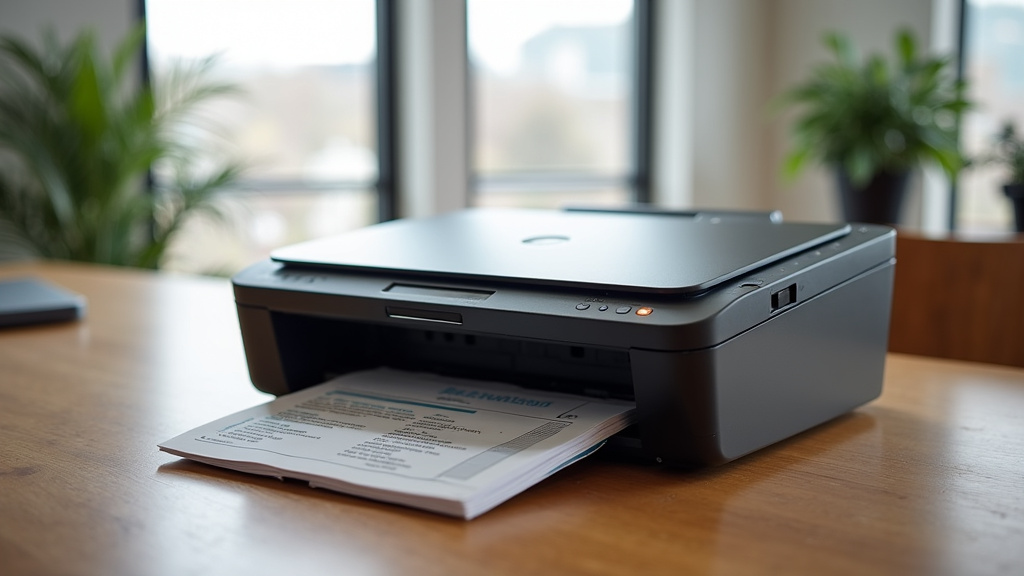
Some scanners actually offer both! These are often called All-in-One or Multi-Function Printers (MFPs). They have a flatbed and an ADF. This gives you the best of both worlds, but they can be more expensive and take up more space.
Think About Paper Type and Size
Do you scan a lot of legal-sized documents? Make sure the scanner you choose supports that size. What about cardstock or receipts? Some ADFs struggle with these. Flatbeds can handle a wider range of paper weights and sizes as long as they fit on the glass.
Volume is Key
How much scanning do you do in a week or month? If it’s just a few pages here and there, the speed of an ADF might not be a deciding factor. But if you’re scanning dozens of pages daily, the time savings of an ADF become incredibly important.
Don’t Forget About Photos and Artwork
For scanning photos, you want a scanner that can capture fine detail and color accurately. Flatbeds often excel here because the photo lies flat and undisturbed. Some ADFs can scan photos, but it’s usually less ideal for preserving delicate or valuable images.
Your Scanner Checklist: What to Ask Yourself
To make your decision easier, run through this quick checklist:
- Do you scan multiple pages at once regularly?
- Are you scanning old photos or delicate documents?
- What is the typical size and type of paper you scan?
- How much time are you willing to spend scanning per week?
- Do you need to scan books or other bulky items?
- Is preserving the exact condition of each item critical?
By answering these, you’ll have a much clearer picture of whether a flatbed or an ADF scanner is the right fit for your home or office.
Conclusion
You’ve learned that the best scanner for you depends entirely on what you need to scan. If you often handle stacks of paper documents, an ADF scanner will be your time-saving hero. For those precious photos, delicate pages, or unique items, a flatbed scanner offers the careful precision you need. Think about your most common scanning tasks. Your answer will likely point you toward the right scanner. Make your choice based on your daily needs, and you’ll scan smarter, not harder.
Frequently Asked Questions
Can I scan photos with an ADF scanner?
While some ADF scanners can technically feed photos, it’s generally not recommended. ADFs are designed for standard paper, and glossy or thin photos can easily jam or get damaged. For the best photo scanning quality and preservation, a flatbed scanner is a much safer and more effective choice.
What if I need to scan both documents and photos?
If your needs vary, consider a multi-function printer (MFP) that includes both a flatbed and an ADF. This gives you the best of both worlds, allowing you to quickly scan multi-page documents and then carefully scan delicate photos or other items on the flatbed. They do tend to take up more space and can be pricier.
How do I know if my paper size will work with an ADF?
Most ADF scanners are designed for standard letter and legal-sized documents. Check the scanner’s specifications for its supported paper sizes. If you frequently scan smaller items like receipts or larger items like posters, a flatbed scanner might be more versatile for those specific needs.
Are ADF scanners good for scanning books?
No, ADF scanners are not suitable for scanning books. The automatic feeder requires individual pages to be fed through. To scan pages from a book without damaging its spine, you would need to use a flatbed scanner and carefully place each page flat on the glass.
Which scanner type is better for archiving old documents?
For archiving old documents, especially if they are fragile or have varying sizes, a flatbed scanner is generally the better option. It allows for careful placement and scanning of each item individually, ensuring better preservation and quality compared to the more automated process of an ADF.