What Is a Mobile Document Scanner? A Beginner’s Guide
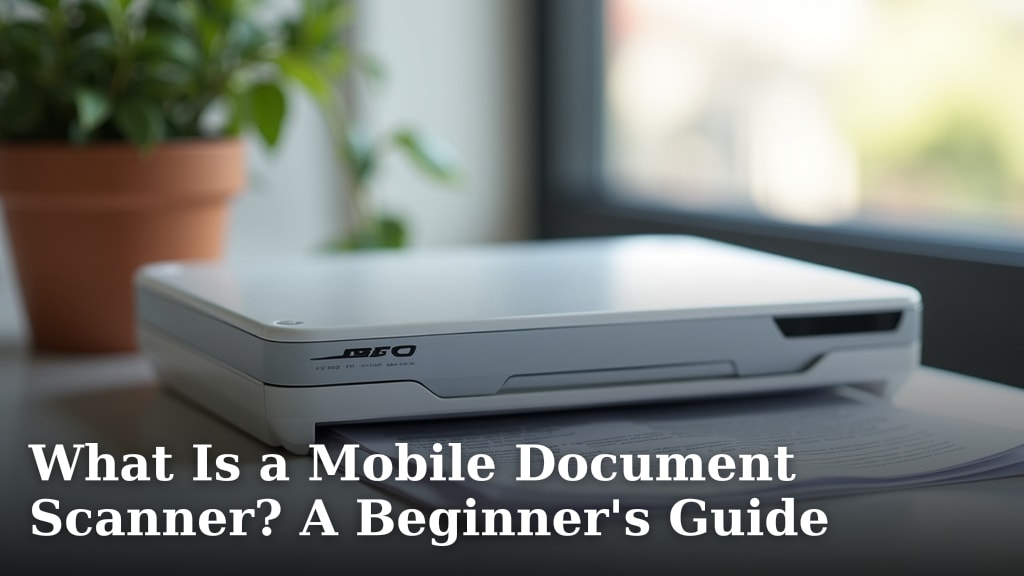
A mobile document scanner is a portable device that lets you capture images of paper documents. You can then save them as digital files on your phone or computer. Think of it as a super-powered camera for your paperwork. It helps you turn stacks of paper into easily managed digital records without needing a big, clunky machine.
These handy gadgets have become incredibly useful for anyone dealing with forms, receipts, or notes. They often work with a smartphone app to make scanning quick and easy. You can use them to organize your life, keep track of important information, and say goodbye to paper clutter. It’s a smart way to handle your documents. These handy gadgets have become incredibly useful for anyone dealing with forms, receipts, or notes, and some models can handle multi-page documents with an ADF.
- A mobile document scanner turns paper into digital files.
- It’s a small, portable device you can use anywhere.
- Most work with smartphone apps for easy saving.
- Great for organizing receipts, forms, and notes.
- Helps reduce paper clutter in your home or office.
Ready to learn more about how these devices can simplify your life? Let’s dive into what a mobile document scanner really is and how it works.
Understanding Your Mobile Document Scanner
So, you’re curious about these mobile document scanners? Let’s break down exactly what they are and what they do for you. Think of a mobile document scanner as your personal paper-to-digital converter. It’s a small, usually handheld device designed to capture clear images of physical documents. You then use your smartphone or tablet to save these images as digital files. It’s like having a portable office right in your pocket. You can scan anything from a single receipt to a multi-page report.
These scanners are different from just taking a photo with your phone’s camera. They are built to ensure the document is captured flat, with consistent lighting, and often with features to correct perspective. This means your scanned documents will look clean and professional. Many are designed for ease of use, so you don’t need to be a tech wizard to operate them. They help you manage your paperwork more efficiently.
How Does a Mobile Document Scanner Actually Work?
The magic behind a mobile document scanner lies in its design and how it connects with your devices. Most of these scanners use a camera lens, often paired with built-in LED lights. These lights help illuminate your document evenly. This is key to getting a good scan, especially if you’re in a dimly lit room. The scanner captures a high-resolution image of the paper you place beneath it. It’s quite a clever piece of engineering.
The Scanning Process Step-by-Step
Let’s walk through the typical process you’ll experience. It’s usually quite straightforward. First, you’ll need to download a specific app that comes with your scanner. This app is your command center. It connects to the scanner, often via Bluetooth or Wi-Fi. Then, you place the document you want to scan on a flat surface. Position the scanner over the document. The app will usually guide you, sometimes showing a preview on your phone screen.
Once you’re ready, you trigger the scan. The scanner captures the image. The app then immediately processes it. This processing often includes automatically cropping the edges of the document. It can also correct any skewing or distortion. You might get a chance to preview the scan and make minor adjustments. Then, you save the digital file. You can often choose the file format, like PDF or JPG. It’s a quick and painless way to digitize your papers.
Connection Methods
How does the scanner talk to your phone or computer? There are a few common ways. Many newer models use wireless connections like Wi-Fi or Bluetooth. This means no messy cables to deal with. You just pair the scanner with your device, and they communicate wirelessly. It offers a lot of flexibility for where you can scan.
Some simpler or older models might still use a USB cable. You connect the scanner directly to your computer. This is a reliable method if you prefer a wired connection. It can also be faster for transferring large batches of scans. Whichever method it uses, the goal is always to get that image from the scanner to your device smoothly.
What Can You Scan with a Mobile Document Scanner?
The versatility of a mobile document scanner is one of its biggest draws. You can essentially scan almost any type of paper document you have. This makes them incredibly useful for personal organization and small business needs alike. Think about all the paper that floats around your life. Now imagine having a clean digital copy of it.
Everyday Documents
Let’s talk about the common items you’ll likely scan. Receipts are a big one. Keeping track of expenses for budgeting or tax purposes becomes much easier. You can scan them right after you get them. Business cards are another excellent candidate for scanning. Instead of losing them in a wallet, you can capture their details digitally. You can even scan notes you jot down in meetings or lectures.
Other common items include letters and mail. Important documents like bank statements, utility bills, or medical records can be digitized for safekeeping. You might also scan warranty cards for your appliances or even pages from a book if allowed. The key is that it needs to be a relatively flat piece of paper.
Specialized Documents
Beyond the everyday, these scanners can handle more specific tasks too. If you’re a freelancer or small business owner, you might scan invoices you receive. You can also scan contracts or agreements for easy digital archiving. For students, scanning lecture notes or textbook pages can be helpful for studying later. Many people use them to create digital copies of important personal documents, like birth certificates or diplomas, for backup.
The quality of the scan matters here. You want to ensure that text is crisp and readable. Modern mobile scanners are designed to capture enough detail for these important documents. Research and found that higher resolution scanners are better for documents with fine print or complex layouts (CNET Reviews). Always check the scanner’s specifications for its DPI (dots per inch) if clarity is critical for you.
Key Features to Look For in a Mobile Scanner
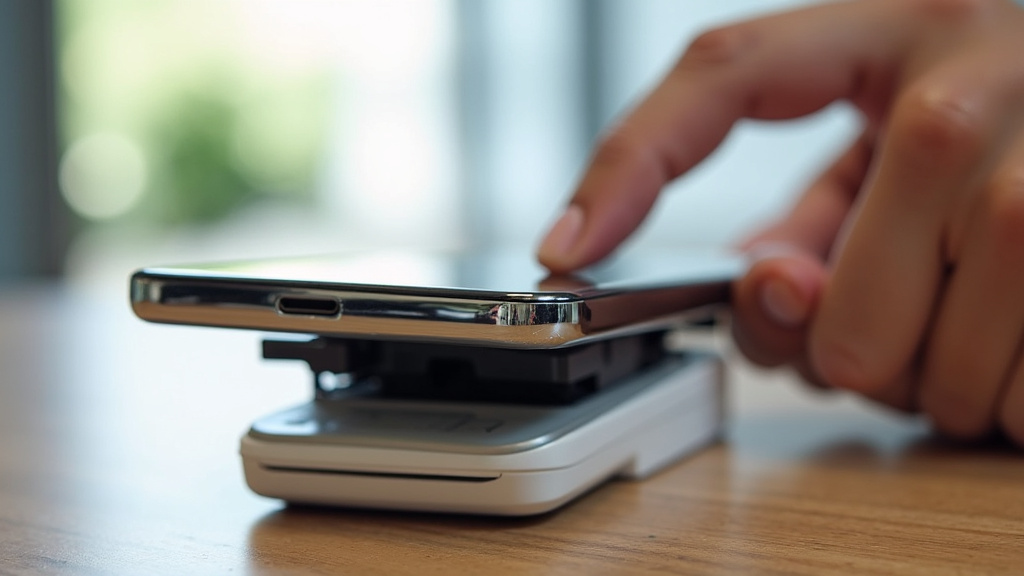
When you’re looking to buy a mobile document scanner, you’ll find a variety of features. Not all scanners are created equal. Understanding what’s important will help you pick the right one for your needs. You want a scanner that fits your workflow and budget. We found that users often prioritize ease of use and scan quality.
Scan Quality and Resolution
This is perhaps the most critical feature. Scan quality refers to how clear and accurate the digital image is. Look at the scanner’s resolution, measured in DPI. For general documents like receipts and notes, 300 DPI is usually sufficient. For documents where tiny text or fine details are important, like business cards or legal documents, you might want something higher, like 600 DPI.
Beyond resolution, consider how the scanner handles color and contrast. Good scanners will automatically adjust these settings to make text stand out. This ensures your scanned pages are easy to read. Many experts agree that good auto-correction features are vital for a user-friendly experience (TechRadar). You don’t want to spend time fixing scans manually.
Portability and Power
The “mobile” in mobile document scanner means it should be easy to carry. Check the size and weight of the scanner. Does it fold up neatly? Will it fit in your bag or briefcase without adding too much bulk? Many are designed to be lightweight and compact.
Think about how the scanner is powered. Many run on rechargeable batteries. This is ideal for scanning on the go. Battery life is an important factor here. How many scans can you get on a single charge? Some might plug into a USB port for power, which is convenient if you’re always near a computer. Others might use AA or AAA batteries, which can be a good backup option but mean ongoing replacement costs.
Software and Connectivity
The app that comes with your scanner is as important as the scanner itself. Look for an app that is intuitive and easy to navigate. Does it offer the file formats you need (PDF, JPG, etc.)? Can you easily share your scans via email or cloud storage services like Dropbox or Google Drive? We found that scanners with robust app support often receive higher user satisfaction ratings.
Connectivity is also key. As mentioned, Wi-Fi and Bluetooth offer wireless freedom. Ensure the scanner is compatible with your devices (iOS, Android, Windows, macOS). Some scanners also offer advanced software features. These might include optical character recognition (OCR). OCR allows you to search the text within your scanned documents, which is incredibly useful for finding information later.
Ease of Use Checklist
To help you choose, consider this quick checklist:
- Is it lightweight and compact for travel?
- Does it have a long-lasting rechargeable battery?
- Is the companion app simple to use?
- Does it connect easily to your phone or computer?
- Does it offer good scan quality for your needs?
- Are there helpful features like auto-cropping and OCR?
Who Can Benefit from a Mobile Document Scanner?
You might be wondering if a mobile document scanner is right for you. The truth is, many different people can find great use for them. It’s all about reducing paper clutter and making information more accessible. We found that individuals who deal with a lot of physical documents often report significant improvements in organization.
Home Users
For home use, these scanners are fantastic for organizing personal finances. Think about digitizing all those receipts for your budgeting app or for tax season. You can scan important family documents like insurance policies, medical records, or children’s schoolwork. It’s a great way to declutter your filing cabinets. Imagine having a digital backup of everything important, stored safely on your computer or in the cloud. It provides peace of mind.
Students
Students often juggle a lot of notes and reading materials. A mobile scanner can help. You can scan lecture notes to keep them organized digitally. If you need to save pages from a textbook (within copyright limits, of course), a scanner is perfect. It makes studying more efficient by having all your resources in one accessible digital format. Many studies suggest that digital organization can improve learning outcomes (Journal of Educational Technology).
Small Business Owners and Freelancers
This is a group that can truly transform their workflow with a mobile scanner. If you deal with invoices, client contracts, receipts for business expenses, or shipping documents, a scanner is essential. You can scan these items on the go. This means no more lost paperwork or piles of receipts waiting to be processed. It helps maintain accurate business records. Many small business advisors recommend digitizing all financial documents (Small Business Administration).
Conclusion
You’ve learned that a mobile document scanner is a compact tool for turning paper into digital files. It works with an app to capture and save documents like receipts, notes, and important papers. These devices offer portability and ease of use, helping you reduce clutter and stay organized. Whether you’re managing home finances, studying, or running a small business, a mobile scanner can simplify your workflow. Ready to take control of your paperwork? Start by identifying the types of documents you scan most often and choose a scanner with features that match your needs.
Frequently Asked Questions
Do I really need a dedicated mobile scanner if I have a smartphone camera?
While your smartphone camera is convenient, a dedicated mobile scanner offers better scan quality and consistency. They often have built-in lights and features to automatically crop and correct distortion. This results in cleaner, more professional-looking digital documents than a typical photo.
How large of a document can a mobile scanner handle?
Most mobile document scanners are designed for standard paper sizes like letter or A4. Some models can handle larger documents by scanning them in sections. Always check the product specifications to see the maximum document size supported by the scanner you’re considering.
Can I use a mobile scanner without a smartphone?
Some mobile scanners can connect directly to a computer via USB and may not require a smartphone app. However, the majority of modern mobile scanners are designed to work with a companion app on your smartphone or tablet for scanning and file management.
Are mobile scanners good for scanning photos?
Mobile document scanners are generally optimized for text and line art on paper, not for high-quality photo reproduction. While they can capture an image of a photo, the color accuracy and resolution might not be sufficient for professional photo archiving. Dedicated photo scanners or even high-quality smartphone cameras are better suited for photos.
What is OCR, and why is it useful in a mobile scanner?
OCR stands for Optical Character Recognition. It’s a software feature that converts scanned images of text into actual, searchable text. This means you can search your digital documents for specific words or phrases, making it much easier to find information later.