What Is a Scanner Used for in an Office?
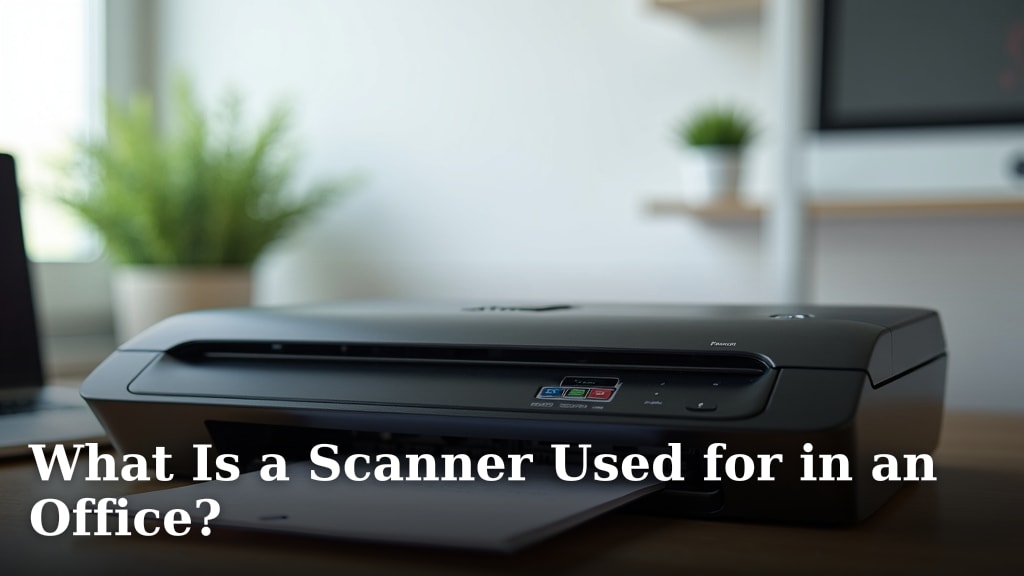
A scanner in an office is primarily used to convert physical documents into digital files. This allows you to easily store, share, and search your paperwork. Think of it as a digital photocopier for your computer.
Beyond just making digital copies, office scanners are essential for document management. They help reduce clutter by moving paper records to the cloud or your hard drive. Many modern scanners can also organize and sort files automatically.
- Scanners turn paper into digital files.
- They help you organize and find documents easily.
- Key uses include archiving, sharing, and reducing physical storage.
- Modern scanners offer advanced features like automatic sorting.
Let’s take a look at exactly what an office scanner can do for you and your workflow.
The Many Jobs of an Office Scanner
An office scanner is a workhorse. Its main job is to take something you can hold in your hand, like a piece of paper, and turn it into a digital file on your computer. Think of it as a bridge between your physical world and your digital one.
Why would you need this bridge? Well, imagine all the documents you deal with daily. Contracts, invoices, reports, receipts, even old photographs. Keeping them all as paper can get messy. Scanning them makes them easier to manage, find, and share. We’ll look at all the ways this handy device can help your office run smoother.
Digitizing Your Paperwork: The Core Function
At its heart, a scanner digitizes documents. You place a paper document on the scanner’s glass or in its feeder. The scanner then captures an image of that page. This image is saved as a digital file, like a PDF or a JPEG. You can then store this file on your computer, a server, or in the cloud.
Turning Paper into Searchable Files
This is where things get really useful. Simply having a digital image is good, but many scanners can do more. They can use Optical Character Recognition (OCR) software. OCR scans the image and identifies the text within it. This turns a flat image into actual text data.
Why is this a big deal? It means you can search through your scanned documents. Instead of reading through dozens of scanned pages, you can type in a keyword. The software will find it for you in seconds. This saves an incredible amount of time and frustration.
Reducing Physical Clutter and Storage Needs
Let’s be honest, paper piles up. Filing cabinets take up valuable office space. You might spend hours searching for a specific paper. Scanning helps you get rid of much of this physical clutter.
Once a document is digitized, you can often shred the original. This frees up space and makes your office feel more organized. Think about the cost of physical storage. Renting extra space or buying large filing cabinets adds up. Reducing your reliance on paper can save your business money.
Organizing and Managing Your Documents
Scanners are not just about making copies. They are key tools for good document management. This means having a system for how you handle your important papers.
Archiving Important Records
Many documents need to be kept for a long time. This could be tax records, legal contracts, or personnel files. Scanning these allows you to create a digital archive. This archive is safe from physical damage like fire or water. It’s also much easier to back up than a room full of paper.
For long-term storage, many businesses use cloud-based services. You scan your documents, and they are uploaded securely. This ensures you can access them from anywhere. Many government agencies even accept digital records, following specific guidelines (IRS).
Improving Workflow and Collaboration
Sharing paper documents can be slow. You might need to copy them, mail them, or hand-deliver them. With scanned digital files, sharing is instant.
You can email a PDF to a colleague across the country in seconds. You can upload a contract to a shared drive for everyone to access. This speeds up business processes. Decisions can be made faster when everyone has the information they need.
Streamlining Approvals and Signatures
Need a document signed? You can scan it, email it to someone to print and sign, have them scan it back, and then you can process it. This can take days. With digital workflows, it’s much quicker.
Some modern scanners and software can integrate with digital signature platforms. You scan the document, send it for an electronic signature, and get it back signed within hours, if not minutes. This keeps projects moving forward without delay.
Creating Backup Copies
What happens if your office experiences a disaster like a fire or flood? All your physical documents could be destroyed. Scanning provides a vital backup.
You can save digital copies on multiple hard drives. You can also use cloud storage services. This means your important records are safe, even if the worst happens to your physical location. Research shows that having a disaster recovery plan is essential for businesses of all sizes (FEMA).
Advanced Scanning Features for Your Office
Modern scanners offer more than just basic scanning. They come with features that can automate tasks and make your life easier.
Automatic Document Feeders (ADF)
Tired of holding each page up to the scanner glass? An Automatic Document Feeder is a lifesaver. You can stack a whole pile of papers into the feeder, and the scanner will pull them through one by one. This is perfect for scanning multi-page documents quickly. An Automatic Document Feeder is a lifesaver for scanning multi-page documents quickly.
Two-Sided (Duplex) Scanning
Many documents are printed on both sides. Scanning them manually would mean scanning each side separately and then reassembling the digital file. Duplex scanning does this automatically. The scanner captures both the front and back of a page in one pass.
This feature cuts your scanning time in half for double-sided documents. It also ensures your digital archive is complete without extra effort. It’s a must-have for offices that handle a lot of double-sided printouts.
Handling Different Document Types
You might need to scan more than just standard letter-sized paper. Many office scanners can handle a variety of media. This includes photos, business cards, passports, and even thin plastic cards like ID cards. This versatility means one device can handle many of your office’s needs.
Software Integration and Automation
The software that comes with your scanner is just as important as the hardware. Advanced software can help you organize, sort, and even name your scanned files automatically. Some can scan directly to specific folders or applications.
Imagine scanning a batch of invoices. The software could be set up to identify each invoice, extract the vendor name and amount, and save it as a file named “Invoice – [Vendor Name] – [Date]”. This level of automation frees up your staff to focus on more important tasks.
Choosing the Right Scanner for Your Needs
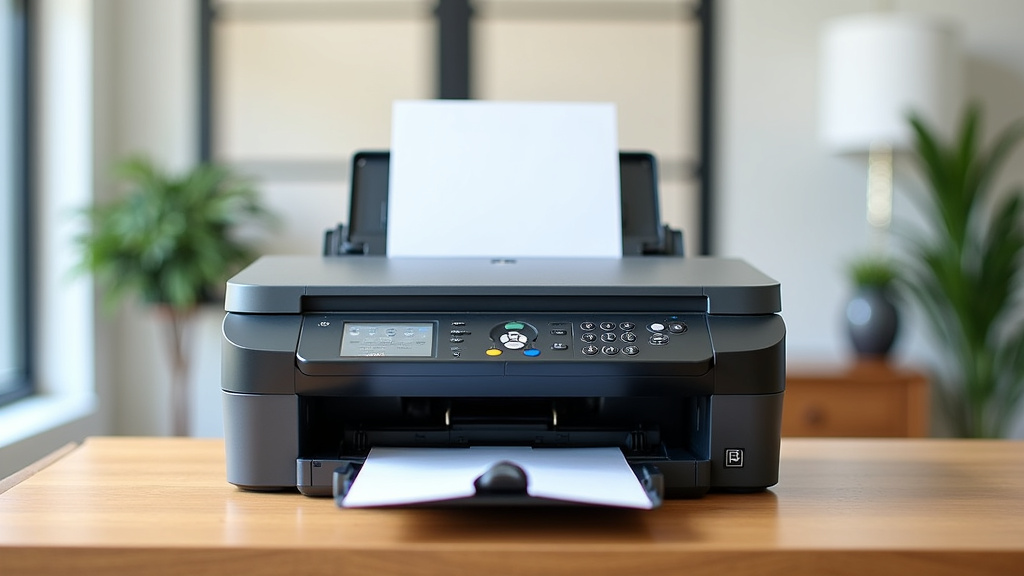
When you’re looking for a scanner, consider what you’ll be using it for most often. Do you scan a few pages a day or hundreds? Do you need to scan photos or just text documents? Think about the speed and volume you expect.
We found that understanding your specific office workflow is key. A small business with occasional scanning needs might be fine with a simpler flatbed scanner. A busy legal office or accounting firm will likely need a high-speed scanner with an ADF and duplex capabilities.
A Quick Checklist for Scanner Use
Here’s a simple rundown of what you can accomplish with an office scanner:
- Digitize stacks of paper documents.
- Make documents searchable with OCR.
- Reduce physical storage space.
- Share files easily via email or cloud.
- Create secure backup copies.
- Automate parts of your document workflow.
Conclusion
You’ve seen how an office scanner does so much more than just copy paper. It’s your key tool for turning physical stacks into organized, searchable digital files. From saving space and reducing clutter to making document sharing and backups simple, a scanner boosts your office’s efficiency. You can even automate tasks with advanced features. Consider your scanning needs carefully to choose the right device. You can also use a scanning app to digitize documents from your phone.Start by assessing your current paper volume and what you hope to achieve with digitization, then make your purchase.
Frequently Asked Questions
Can a scanner really help me find documents faster?
Yes, when you use Optical Character Recognition (OCR) software, your scanner can turn images of text into actual searchable text. This means you can type in keywords and find specific information within scanned documents in seconds, saving you from manually sifting through pages.
How does scanning help reduce office clutter?
By digitizing paper documents, you can often eliminate the need for physical copies. This means fewer filing cabinets, less paper on desks, and more clear space in your office. You can safely store digital files on your computer or in the cloud instead of keeping paper archives.
Is scanning documents for backup really necessary?
Absolutely. If your office experiences a disaster like a fire or flood, physical documents can be lost forever. Scanning creates digital backups that can be stored on multiple hard drives or cloud services, ensuring your important records are safe and accessible.
What is an Automatic Document Feeder (ADF) and why is it useful?
An ADF is a part of the scanner that allows you to load a stack of papers. The scanner then automatically feeds each page through, one by one. This feature is incredibly useful for scanning multi-page documents quickly without you having to manually place each page on the glass.
Can I scan more than just regular paper with an office scanner?
Many office scanners are versatile and can handle various media types beyond standard paper. You can often scan photos, business cards, passports, and even thin plastic ID cards, making them a central tool for digitizing different kinds of office materials.